How to Call Gym Leads from Your Browser (No Phone System Needed)
You just got a new lead. Someone filled out your landing page, asked about membership pricing, and left their phone number. The clock is ticking — the faster you call, the more likely they sign up. So what do you do?
If you’re like most gym owners, you pull out your personal cell phone, dial the number, and hope for the best. Maybe the lead picks up. Maybe they don’t. Either way, there’s no record of the call, no recording to review, and no way for anyone else on your team to know what happened. If that staff member leaves next month, the lead — and the relationship — disappears with them.
There’s a better way. And it doesn’t require buying a phone system, signing up for a separate VoIP provider, or installing anything on your computer. You can call gym leads directly from your browser, with full recording, automatic logging, and CRM integration — all built into the software you already use to manage your gym.
Here’s how it works, why it matters, and how it can transform the way your gym handles sales calls.
The Problem: Gym Owners Are Still Calling Leads from Personal Phones
Let’s be honest about how most gyms handle phone outreach today. The owner or a sales rep pulls up a lead list — maybe from a spreadsheet, maybe from a CRM — grabs their personal cell phone, and starts dialing. It feels fast and easy. But it creates serious problems that compound over time.
- No call tracking. There’s no centralized record of who called whom, when, or what was discussed. If a lead says “someone from your gym called me last week,” your team has to guess who that was.
- No call recording. You can’t review calls for quality, coach your sales staff, or resolve disputes about what was promised during a conversation.
- Unprofessional caller ID. Leads see a random personal cell number they don’t recognize. Many won’t pick up. Worse, if they call back, they reach someone’s personal voicemail — not your gym.
- Staff turnover kills continuity. When a sales rep leaves, their personal phone number goes with them. Any leads who saved that number or have an ongoing text thread? Gone.
- No accountability. Managers have no visibility into whether calls are actually being made, how many attempts were made per lead, or what the outcomes were.
This isn’t a minor operational inconvenience. It’s a revenue leak. Studies consistently show that responding to a lead within five minutes makes you dramatically more likely to convert them. But speed alone isn’t enough — you also need consistency, professionalism, and follow-through. Personal cell phones give you none of that.
Why a Real Phone System Matters for Gym Sales
A proper calling setup does more than just connect two people on a phone line. It creates an infrastructure around your sales process that makes every call more productive and every rep more accountable.
Here’s what a real gym calling system should give you:
- Call recording for training. Listen back to how your front desk handles pricing objections. Use real calls — not role plays — to train new staff on what actually works.
- Automatic call logging. Every call is timestamped and attached to the right contact record. No manual data entry. No “I forgot to log it.”
- A professional business number. Leads see a local number they recognize. When they call back, they reach your gym — not someone’s personal voicemail.
- Disposition tracking. Know whether each call was answered, went to voicemail, hit a busy signal, or reached a wrong number. Track scheduled callbacks so nothing falls through the cracks.
- Manager visibility. See exactly how many calls each rep made today, what the outcomes were, and listen to recordings when needed. This isn’t micromanagement — it’s how you build a sales team that actually performs.
If your gym is spending money on Facebook ads, Google Ads, or any kind of lead generation, you’re already investing in getting people to raise their hand. The phone call is where that investment either pays off or gets wasted. It deserves real tooling.
Traditional Options (And Why They Fall Short)
Most gym owners who recognize the need for a better phone setup end up looking at standalone VoIP providers — tools like RingCentral, Grasshopper, OpenPhone, or Dialpad. These are solid products for general business use, but they create a specific set of problems for gyms.
Another tool, another login, another cost
A separate VoIP service means another monthly bill (often $20-40 per user per month), another app for your staff to learn, and another login to manage. For a gym with three or four sales reps, that’s an extra $100+ per month for a tool that doesn’t talk to your member database.
No CRM integration
This is the big one. When your phone system and your gym CRM are separate tools, nothing connects automatically. A rep makes a call in RingCentral, then has to manually go into your CRM, find the contact, and log that the call happened. In practice? That second step gets skipped constantly. Your CRM shows no call activity, and you’re flying blind on lead follow-up.
No context on incoming calls
When a lead calls your gym number and it routes to a standalone VoIP app, your staff sees a phone number — nothing else. They don’t know if this person is a brand new lead, a current member, or someone who toured last week. They answer the call with zero context, and the conversation starts at a disadvantage.
Recording and transcripts are siloed
Even if your VoIP provider offers call recording, those recordings live inside the VoIP platform. They’re not attached to the contact record in your gym software. Want to hear the call where a lead asked about personal training pricing? Good luck finding it.
The core issue is simple: a disconnected phone system creates disconnected data. And disconnected data means missed follow-ups, lost leads, and wasted ad spend.
The Better Way: Calling Built Directly into Your Gym CRM
What if your phone system wasn’t a separate tool at all? What if it was just another feature inside the software you already use to manage leads, members, and sales?
That’s the approach we built into FitProTracker. Instead of bolting on a third-party VoIP integration, we built a full-featured, Twilio-powered softphone directly into the browser. No app to install. No separate service to pay for. No integration to configure.
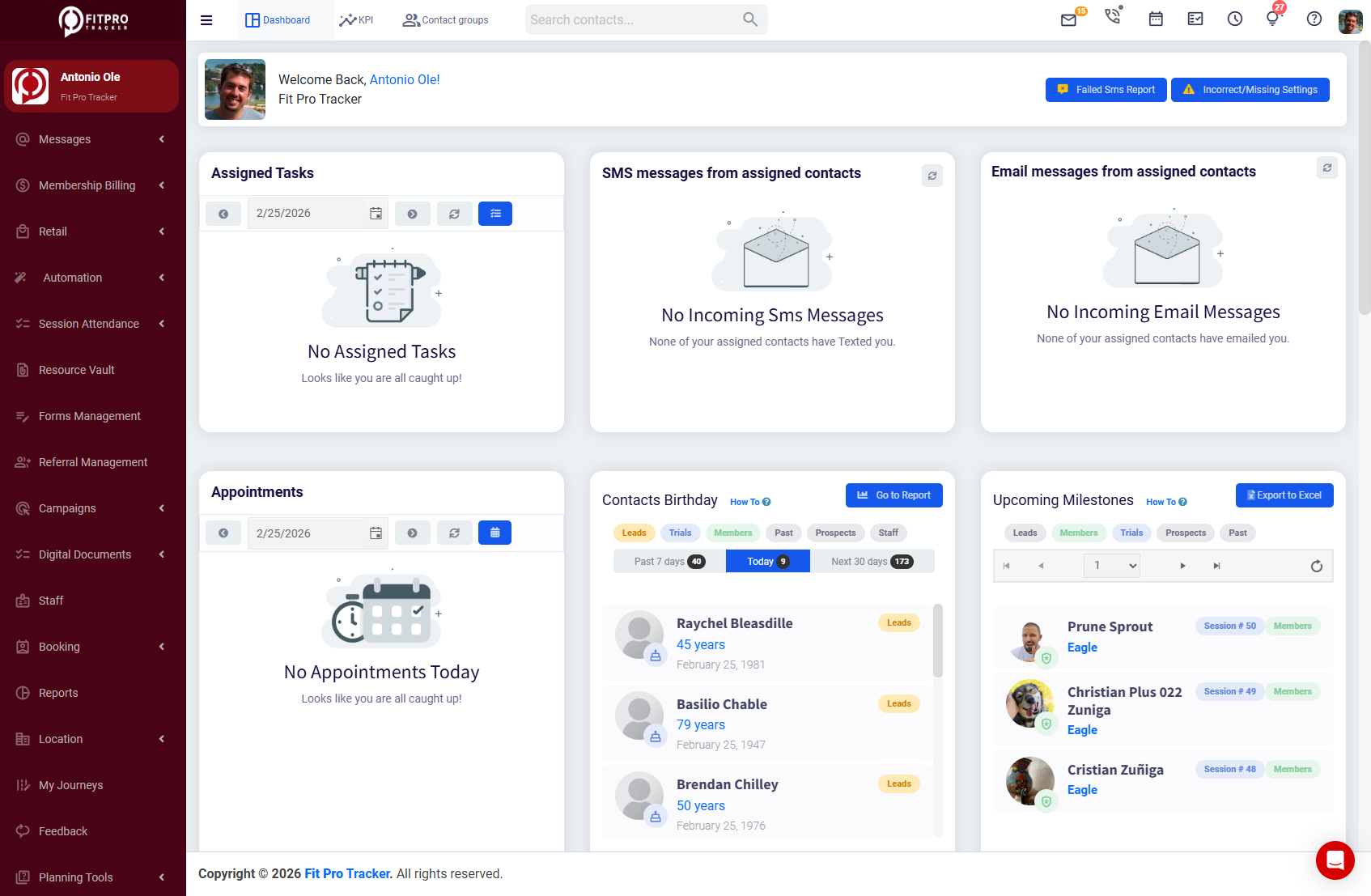
Your staff opens FitProTracker in their browser, and they can make and receive calls from right there. Every call is automatically logged to the correct contact record. Recordings and transcripts are attached instantly. Dispositions are tracked. It all just works — because it was built to work together from the start.
This isn’t a basic click-to-call button that opens your phone’s dialer. This is a complete gym calling software solution that runs entirely in your web browser.
How FitProTracker’s Built-In Calling Works
Let’s walk through exactly what the calling experience looks like inside FitProTracker — for both outbound and inbound calls.
Outbound Calling: Reach Leads in One Click
When you’re looking at any contact record — a new lead, a current member, a past-due account — you’ll see a click-to-call button right on their profile. One click, and the browser dialer widget opens. The call connects through your gym’s professional business number, not your personal phone.
Need to dial a number that isn’t in your system yet? The built-in manual dialpad lets you punch in any number and call directly from the browser. During the call, you can mute and unmute yourself, toggle call recording on or off, and see real-time call quality metrics so you know if there’s an audio issue before the conversation goes sideways.
You can also select which audio device to use — headset, laptop mic, external speaker — directly from the call interface. No digging through system settings.
Inbound Calling: Know Who’s Calling Before You Answer
When someone calls one of your gym’s Twilio numbers, an incoming call notification appears right in the browser. Here’s where it gets useful: FitProTracker performs an automatic caller ID lookup against your entire contact database. If that number belongs to a lead, a member, or any existing contact, their name and record pop up instantly.
Your staff can accept or reject the call with one click. If they accept, they’re immediately in the call with full context — they can see the contact’s history, notes, membership status, and previous call logs without toggling to another screen.
Call Logging and Dispositions
After every call — inbound or outbound — FitProTracker prompts for a call disposition. Your staff selects from clear outcome categories:
- Answered — connected and had a conversation
- No Answer — rang but nobody picked up
- Voicemail — left a message
- Busy — line was busy
- Wrong Number — not the right contact
- Scheduled Callback — agreed to call back at a specific time
They can also leave post-call feedback on a 1-5 star scale — useful for managers reviewing call quality or identifying leads that seemed particularly hot or cold.
All of this is logged automatically to the contact record. No spreadsheets. No manual CRM updates. No “I’ll log it later” (which means never).
Call Recording and Transcripts
With opt-in cloud call recording, every conversation is captured and stored securely. But FitProTracker goes a step further: recordings are automatically transcribed, giving you searchable, readable text of every call.
This is transformative for sales coaching. Instead of listening to a 12-minute recording to find the moment a rep fumbled the pricing conversation, you can scan the transcript in seconds. Search across calls for keywords. Build a library of your best calls to use in training new hires.
Multiple Numbers, Custom Routing, and Voicemail
FitProTracker supports multiple Twilio numbers per location. You might have one number for general inquiries, another for your personal training department, and a third for your kids’ program. Each number can be configured with its own routing rules:
- Default — rings to the assigned staff in-browser
- Forward — forwards to an external phone number
- Voicemail — sends callers directly to voicemail
- Browser — rings the in-browser softphone for assigned staff
Each number can be assigned to specific staff members, so calls route to the right person automatically. And for voicemail, your team can record custom greetings directly in the browser — up to 90 seconds — without any external tools or phone trees.
Real Use Cases: How Gyms Use Built-In Calling Every Day
The feature list matters, but what really matters is how this changes daily operations. Here are the scenarios where built-in calling makes the biggest impact.
Following Up with New Leads — Fast
A lead comes in from your Facebook ad at 2:15 PM. By 2:17 PM, your sales rep has clicked into the lead record and hit the call button — directly from the browser. The call connects through your gym’s professional number. It’s recorded automatically. The disposition is logged. If the lead doesn’t answer, the rep selects “No Answer,” and the system tracks that an attempt was made.
Compare that to the old way: rep sees the lead notification, writes the number on a sticky note, finishes what they’re doing, grabs their cell phone 45 minutes later, dials the number, has a conversation that nobody else can see or hear, and maybe — maybe — remembers to update the CRM.
Speed-to-lead isn’t just about being fast. It’s about having a system that makes fast the default.
Calling Past-Due Members
When a member’s payment fails or they’re overdue on their account, a personal call often resolves the issue faster than an email or text. With built-in calling, your billing staff can pull up a list of past-due accounts and work through them one by one — click, call, log, next. Every call is recorded in case there’s a dispute later about what was discussed or promised. The disposition tells you exactly where each account stands.
Appointment Confirmations and No-Show Follow-Ups
Booked a tour for tomorrow morning? A quick confirmation call the afternoon before dramatically reduces no-show rates. And when someone does no-show, an immediate follow-up call — logged and tracked — shows you’re serious about earning their business.
Because the calling is built into the same system that manages your appointments and tours, the workflow is seamless. Click the contact, click call, confirm or reschedule, log the outcome. Done.
Sales Manager Coaching and Review
For gym owners or sales managers, the combination of call recording, automatic transcripts, and post-call ratings creates a coaching goldmine. Pull up this week’s calls, filter by rep, sort by rating, and listen to the ones that need attention. Read transcripts to spot patterns — maybe your team consistently stumbles when asked about cancellation policies, or maybe one rep has a closing technique that everyone else should learn.
This kind of data-driven sales coaching is standard in industries like real estate and insurance. It’s been almost impossible in the gym industry — until now.
Stop Juggling Tools. Start Closing Leads.
Every separate tool in your gym’s tech stack is a point of friction — another login, another tab, another place where data gets lost. When your phone system lives outside your CRM, you’re creating gaps that leads fall through.
FitProTracker’s built-in calling eliminates that gap entirely. Your leads, your calls, your recordings, your transcripts, your follow-up tasks — they all live in one place. Your staff doesn’t need to learn a new tool. Your manager doesn’t need to cross-reference two platforms to see if calls are being made. Everything just connects.
If you’re tired of chasing leads from your personal cell phone, losing call history when staff turns over, and guessing whether your team is actually following up — it’s time to see what integrated gym calling software can do.
See FitProTracker’s built-in calling in action. Book a demo today.
]]>