How to Reduce Failed Payments at Your Gym (And Stop Losing Revenue)
The Hidden Cost of Failed Payments at Your Gym
Every gym owner knows the frustration: you check your billing report and see a list of declined transactions, past-due accounts, and members who have silently stopped paying — even though they never officially canceled. Failed payments are one of the most overlooked revenue leaks in the fitness industry, and the numbers are staggering.
Industry data suggests that the average gym loses between $2,000 and $6,000 per month to failed and uncollected payments. For a mid-size facility with 500+ members, that figure can climb even higher. Across a full year, you could be looking at $25,000 to $75,000 in lost revenue — money that was technically owed to you but never made it into your bank account.
The worst part? Most of these losses are entirely preventable. Failed payments are rarely a sign that a member wants to leave. In most cases, the member has no idea their payment didn’t go through. Their card expired. Their bank flagged an unfamiliar charge. They switched accounts and forgot to update their billing info.
The gym that treats failed payments as an inevitable cost of doing business will always leave money on the table. The gym that builds a proactive system to prevent and recover failed payments will collect more revenue from the same member base — without selling a single additional membership.
Let’s break down exactly why payments fail and the six strategies you can implement to dramatically reduce your failed payment rate.
Why Do Gym Payments Fail?
Before you can fix the problem, you need to understand the root causes. Failed gym payments typically fall into four categories:
- Expired credit or debit cards. This is the single most common reason for failed recurring payments. The average credit card has a three- to four-year lifespan, which means roughly 25-30% of your members’ cards will expire in any given year. When a card expires and the member hasn’t updated their payment method, the next billing attempt fails automatically.
- Insufficient funds. The member’s account doesn’t have enough money to cover the charge at the time it’s processed. This is especially common with debit cards and bank accounts when payments are timed poorly — for example, billing on the 1st of the month before a paycheck has cleared.
- Bank or processor blocks. Banks sometimes flag recurring fitness charges as suspicious, especially after a member gets a new card number due to fraud. The bank issues a replacement card with a new number, but your system still has the old one on file. The charge gets declined, and the member may not even realize it.
- Incorrect or outdated billing information. Members move, change banks, or enter incorrect card numbers during signup. Typos in billing addresses can also trigger declines with processors that use Address Verification Service (AVS) checks.
Notice that in almost every scenario, the member didn’t intentionally stop paying. They simply fell through the cracks. That’s good news for you, because it means the right systems and workflows can recover the vast majority of these payments.
6 Strategies to Reduce Failed Payments at Your Gym
Strategy 1: Auto-Notify Members Before Their Cards Expire
The best time to deal with a failed payment is before it happens. If you know a member’s credit card is expiring next month, you can reach out proactively and ask them to update their information — before the billing cycle runs and the charge gets declined.
This requires two things: a system that tracks card expiration dates across your entire member base, and automated alerts that notify both your staff and the member when a card is approaching its expiration.
What to implement:
- Run an expiring payment method report monthly (or weekly) that shows every member whose card expires within the next 30-60 days.
- Set up automated email or SMS notifications to those members prompting them to update their payment method.
- Train your front desk staff to flag expiring cards during check-in so they can handle updates in person.
This single strategy alone can prevent 30-40% of all failed payments. It’s the lowest-hanging fruit in payment recovery, and most gyms don’t do it.
Strategy 2: Let Members Update Payment Methods Themselves
Here’s a common scenario: a member gets your email saying their card is about to expire. They want to update it, but they have to call the gym, come in during business hours, or email their new card details (which is a security risk). The friction is too high, so they put it off. Then their payment fails, and now you’re chasing them.
The solution is simple: give members a self-service option to update their own payment information — anytime, from their phone.
A client-facing app or member portal where members can securely log in and swap their payment method removes every barrier. There’s no phone call needed. No waiting for business hours. No security concerns about texting card numbers back and forth. The member sees the notification, taps the link, enters their new card, and they’re done in under 60 seconds.
What to implement:
- A branded client app or member portal with secure payment method management.
- Include a direct link to the payment update page in every expiring-card notification and past-due reminder.
- Make sure the payment update flow is PCI-compliant so sensitive card data is handled securely.
The easier you make it for members to fix their payment info, the faster they’ll do it — and the fewer payments you’ll lose.
Strategy 3: Automated Past-Due Text and Email Sequences
When a payment does fail, speed matters. The longer a past-due balance sits without contact, the less likely you are to collect it. But manually chasing down every failed payment with phone calls and emails is a massive time sink for your staff — and it doesn’t scale.
Automated past-due reminder sequences solve this by triggering a series of SMS texts and emails the moment a payment fails, without your staff lifting a finger.
A strong past-due sequence looks something like this:
- Day 1 (payment fails): Immediate SMS and email notification. Friendly tone: “Hey [Name], it looks like your payment didn’t go through. Tap here to update your info.”
- Day 3: Follow-up SMS reminder. Still friendly, slightly more direct.
- Day 7: Email with details about the outstanding balance and a clear call-to-action to resolve it.
- Day 14: Final reminder with a note about potential membership suspension.
The combination of both SMS and email is critical. Text messages have open rates above 90%, compared to roughly 20-30% for email. If you’re only emailing past-due members, you’re missing the most effective communication channel.
What to implement:
- Automated multi-step reminder sequences triggered by failed payments.
- Use both SMS and email in the sequence — don’t rely on one channel alone.
- Include a direct payment link in every message so the member can resolve the issue immediately.
- Customize the timing and tone of each step to match your gym’s brand and communication style.
Strategy 4: Offer Multiple Payment Methods (Card + ACH + Cash)
If you only accept credit cards, you’re more vulnerable to failed payments. Credit cards expire. They get lost. They get compromised by fraud. Every time a card is replaced, you risk a missed payment.
ACH bank transfers (EFT) are significantly more stable for recurring billing. Bank account numbers rarely change, so once a member sets up an ACH payment, it tends to keep working month after month without interruption. ACH also comes with lower processing fees, which means more revenue in your pocket per transaction.
Offering cash payment options for members who prefer to pay in person gives you another safety net — especially for members who are uncomfortable with automatic billing or who have had issues with card payments in the past.
What to implement:
- Accept credit cards, debit cards, and ACH/EFT payments for recurring billing.
- Encourage members to use ACH as the default for recurring payments, since it has lower failure rates and lower processing costs.
- Offer a cash or in-person payment option as a fallback for members who need it.
- Support multiple billing frequencies — weekly, monthly, quarterly, or annual — so members can choose a schedule that aligns with their cash flow.
Strategy 5: Automatic Payment Retry With Smart Timing
When a payment fails due to insufficient funds, it doesn’t mean the money isn’t there — it may just mean the timing was off. If you bill on the 30th and the member gets paid on the 1st, the charge will fail even though the funds will be available 48 hours later.
Automatic payment retry addresses this by re-attempting the charge after a set interval — typically 3, 5, or 7 days after the initial failure. Many gyms recover 15-25% of failed payments simply through automatic retries, without any member interaction at all.
Smart retry timing is important. Retrying too quickly (within 24 hours) often results in another decline. Retrying too late (after 14+ days) gives the member time to disengage. The sweet spot is usually 3-7 days after the initial failure, with a second retry 5-7 days after that if needed.
What to implement:
- Enable automatic payment retry in your billing system so declined charges are re-attempted without manual intervention.
- Configure retry intervals that align with common pay cycles (e.g., retry on the 1st and 15th of the month).
- Pair retries with your automated reminder sequence so the member is aware and can update their info before the next attempt.
Strategy 6: Dashboard Visibility — Know Your Past-Due Numbers in Real Time
You can’t fix what you can’t see. If you have to dig through spreadsheets or run manual reports to find out how many members are past due, you’re always reacting instead of managing proactively.
A real-time billing dashboard gives you instant visibility into the health of your revenue. At a glance, you should be able to see how many members are past due, the total dollar amount outstanding, how many cards are expiring soon, and what your projected revenue looks like for the coming month.
What to implement:
- A billing dashboard that shows past-due accounts, expiring payment methods, and collection status in real time.
- Projected revenue forecasting so you can spot trends and anticipate shortfalls before they happen.
- Access to detailed billing reports — transaction history, failed payment logs, payment method breakdowns, and collection summaries.
- The ability to filter and sort past-due accounts by age, amount, and status so your team can prioritize follow-ups.
When your billing data is visible, organized, and current, your team makes better decisions and catches problems earlier. That translates directly into more collected revenue.
How FitProTracker Handles All of This
Every strategy outlined above is built into FitProTracker’s billing and payment system — not as add-ons or integrations, but as core functionality designed specifically for gym and fitness studio operations.
Here’s how FitProTracker addresses each piece of the failed payment puzzle:
- Expiring and expired payment method reports automatically surface members whose cards are about to expire or have already expired, so you can act before a payment fails.
- A branded client app where members can securely update their own payment methods from their phone — no phone calls, no front-desk visits, no security risks.
- Automated past-due reminders via both SMS and email that trigger the moment a payment fails, running a customizable sequence until the balance is resolved.
- Support for ACH, credit card, and cash payments with two PCI-compliant payment processors — Zift and Stripe Connect — giving you flexibility and reliability.
- Automatic payment retry that re-attempts failed charges on a smart schedule, recovering revenue without any manual effort.
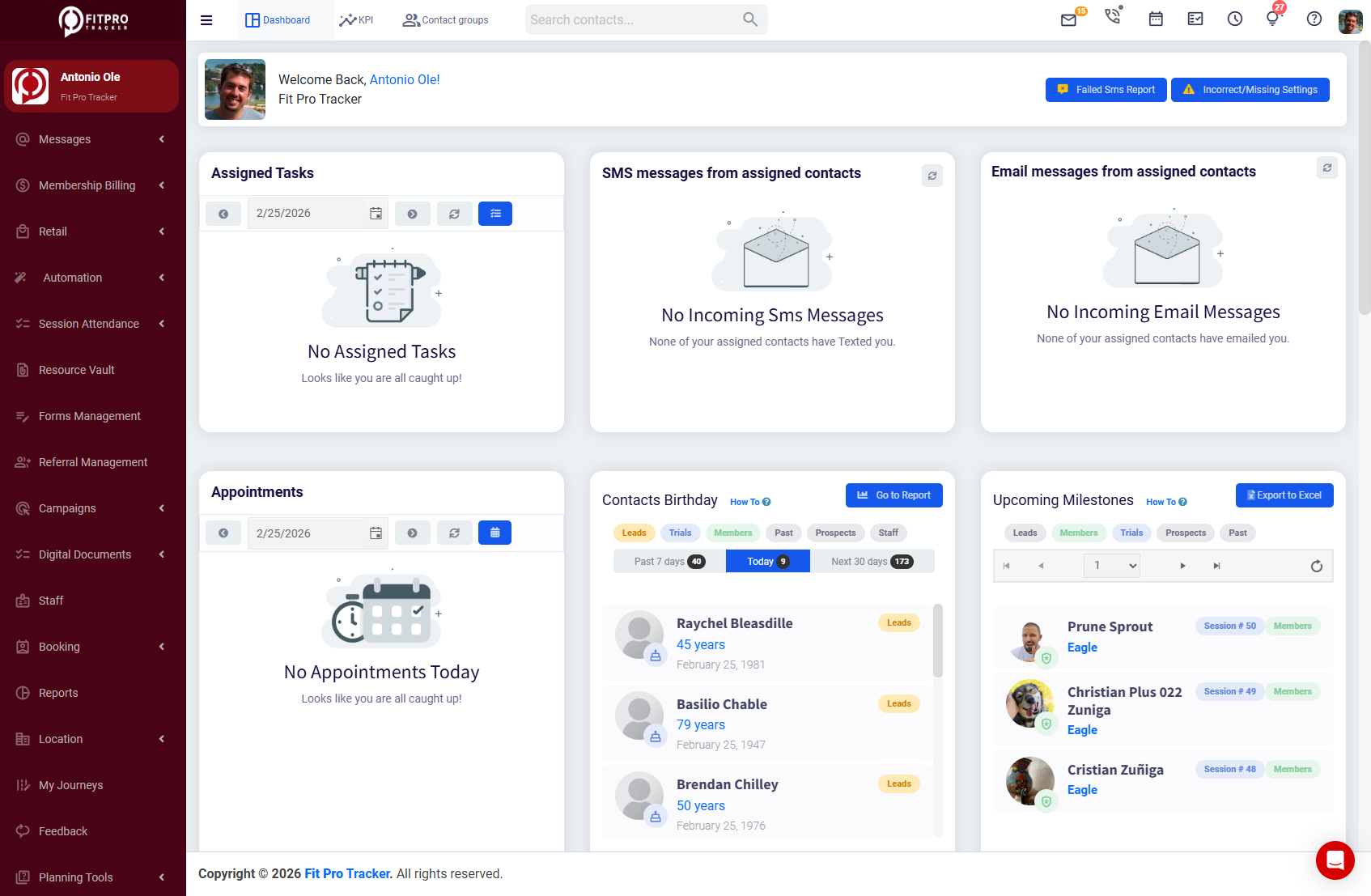
- A billing dashboard with 18+ built-in reports covering everything from transaction summaries to projected revenue forecasting, so you always know exactly where your billing stands.
FitProTracker also supports six flexible billing models — weekly, monthly, quarterly, and annual EFT, single payments, installment plans, trial memberships, auto-renew billing, and percentage-based pricing — so you can structure memberships in whatever way works best for your business and your members’ preferences.
The result is a billing system that doesn’t just process payments — it actively protects your revenue by preventing failures, automating recovery, and giving you full visibility into your financial health.
Ready to stop losing revenue to failed payments?
Fit Pro Tracker’s billing system auto-retries failed charges, sends smart payment reminders, and gives you full visibility over your revenue health.
Stop Losing Revenue to Preventable Payment Failures
Failed payments aren’t a minor inconvenience — they’re a direct hit to your bottom line that compounds every single month. The good news is that the vast majority of failed payments can be prevented or recovered with the right systems in place.
You don’t need to hire a billing specialist. You don’t need to manually chase down every declined transaction. You need a gym management platform that handles payment protection automatically, so you can focus on running your gym.
Stop losing revenue to preventable payment failures.